
Choose a character and an idea.
Start in Idea Studio, from “Create a complete post” on Home. Pick a ready-made character, choose a format and an idea, and see what will be made. On the Free plan the character comes from the library.
YOUR IMAGINATION. A LITTLE DIRECTION.
Pick a character and an idea. Review the plan. Threadwright makes the voice, images and
clips,
and you finish and download a post people stop scrolling for.
Free plan: one guided reel, in draft quality (480p). A paid plan finishes it in 1080p and can also connect an AI agent.
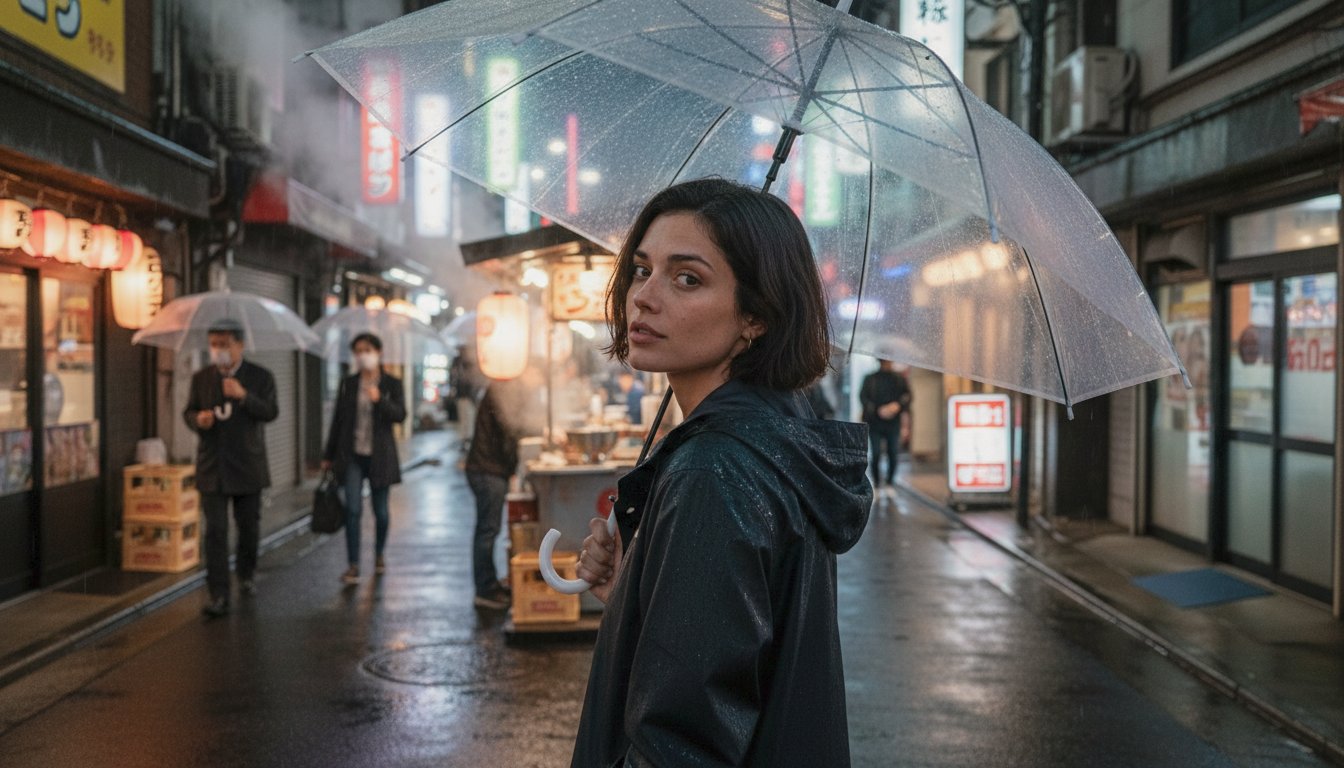
Every image, voice and clip on this page was made with Threadwright from one character photo. Maya is fictional; none of these places or moments happened.
GOOD CONTENT IS A PROCESSLESS GUESSWORK.
MORE MAKING.
You don’t need technical knowledge of which model to use or how to write the perfect prompt. Tell us what you want to make. Threadwright brings AI content generation tools together, from your character’s first frame to the finishing touches.
Your creative direction. One connected studio.
THE GUIDED JOURNEY
This is the path the app walks you through. You stay in charge at every step, and nothing is generated until you press Start.
Start in Idea Studio, from “Create a complete post” on Home. Pick a ready-made character, choose a format and an idea, and see what will be made. On the Free plan the character comes from the library.
“I’ve never been here. None of this happened… And you still can’t tell.”
A Marrakech souk. Maya talks to the camera as she walks between the market stalls.
Threadwright writes a script shot by shot, with the words to be spoken. You read it and edit it before anything is made. A photo post starts from a plan of its images instead.

“Make everything” runs the steps that are left for you, such as voice takes, first frames, clips and the final cut, after you confirm one total price. Want more control? Generate a step or a single item yourself and pick the version you like.
Build and review the final cut of a reel, or review a photo post’s images, then download the result. Posting it is up to you.
Example output. These images and clips were made with Threadwright’s tools and put together by hand for this page. They show the kind of result you get, not one automatic run of the steps above.
THE FREE PLAN
The Free plan includes one guided reel per email address, made in draft quality (480p) with a small “Made with Threadwright.ai” mark; you can download it. Finishing it in 1080p and removing the mark need a paid plan and cost credits.
THE DIFFERENCE IS IN THE DETAILS
Drag to compare. The same character and scene, before and after the realism pass.
Explore the details pass

Real Threadwright output · Drag the divider or use the arrow keys.
PAID PLANS · FOR YOUR AI AGENT
Your AI agent can make reels and photo posts for you through the Threadwright API: characters, projects, voice takes, images and clips.
A job costs the same credits over the API as in the app for the same tool, model and settings, from the same balance.
Agent access needs a paid plan. The Free plan has no access tokens.
“Make a reel with Maya by the Atlantic.”
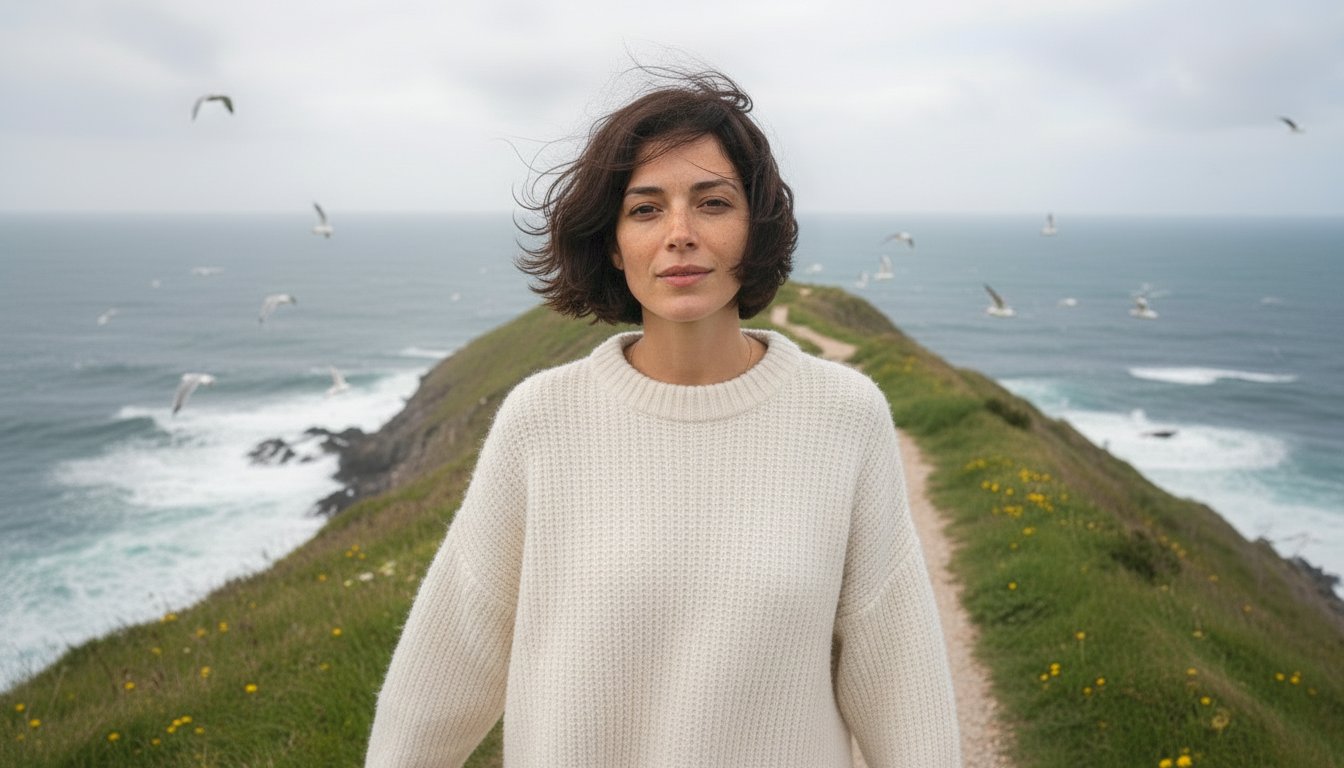
Example output, not a live agent run.
Read https://app.threadwright.ai/skill/SKILL.md and use the Threadwright API
                    with my access token.
Plans, billing, access tokens and account settings stay in the browser, as do the realism and grade suggestion helpers.
Same credits means the same request. A different model or setting can cost a different amount, so compare like for like.
WHY THREADWRIGHT
What you make with it, and what you can count on when you pay for it.
THE TOOLS BEHIND THE JOURNEY
A tour of the tools behind the journey, in seven parts, with real output. The journey uses them for you; paid plans can also run each one on its own.
CHARACTER CREATION
A face, a personality, a point of view. Build a character with reference sets you can carry into the next scene.
Short dark hair.
Warm freckles.
Always taking the scenic route.
IMAGE CREATION
Describe the scene you have in mind. Use your character’s references to give every new image a familiar starting point.
DETAILS PASS
AI images look too clean. The realism pass adds the clutter of real life: herbs, crumbs, a used tea towel, a drip of oil. Your character stays the same.
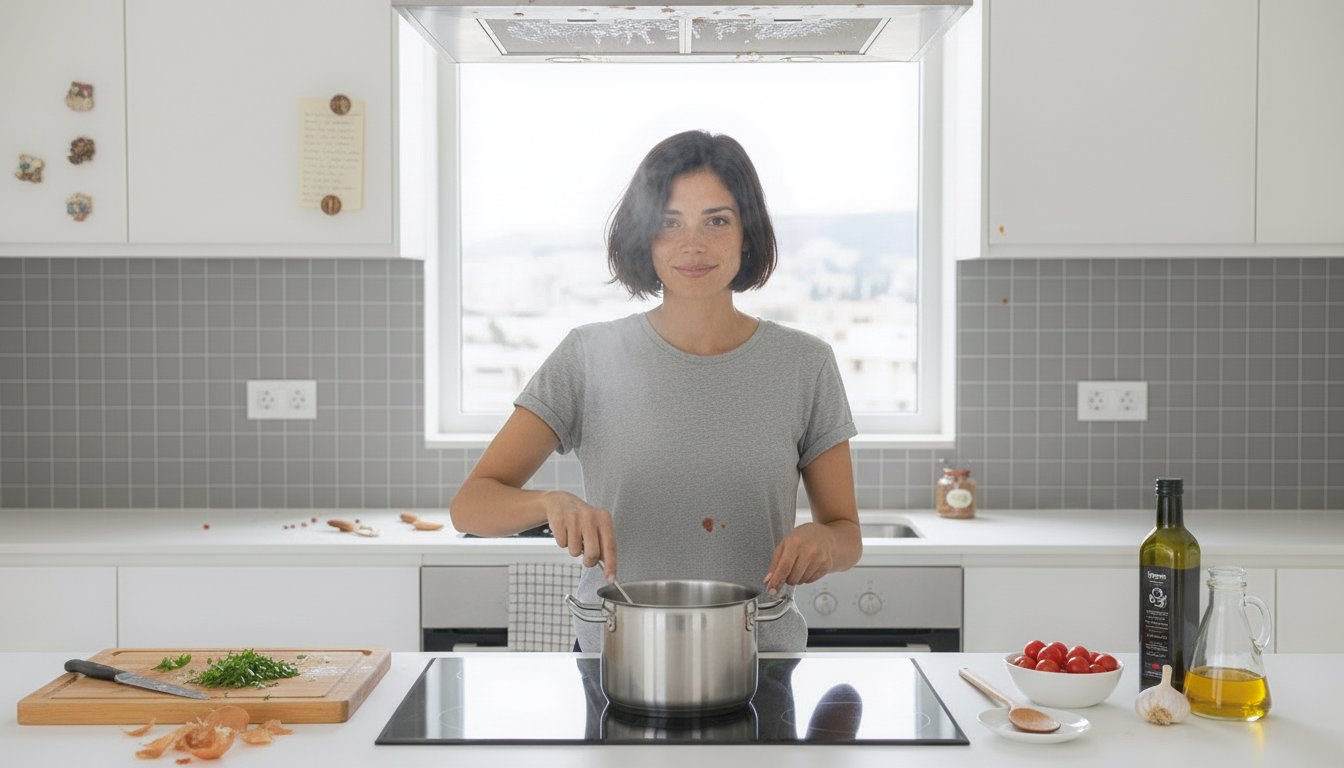

Drag to compare · Real output of the Threadwright realism pass, no retouching.
COLOR GRADING
Over-saturated skies, glowing skin, too much contrast: the typical AI look. The grade brings it back to what a real camera would have seen, for images and clips.


Drag to compare · Real output of the Threadwright grade in automatic mode.
TEXT OVERLAYS
Turn a favorite frame into a cover or a photo post. Add a headline, choose your type, and let the image do the rest.
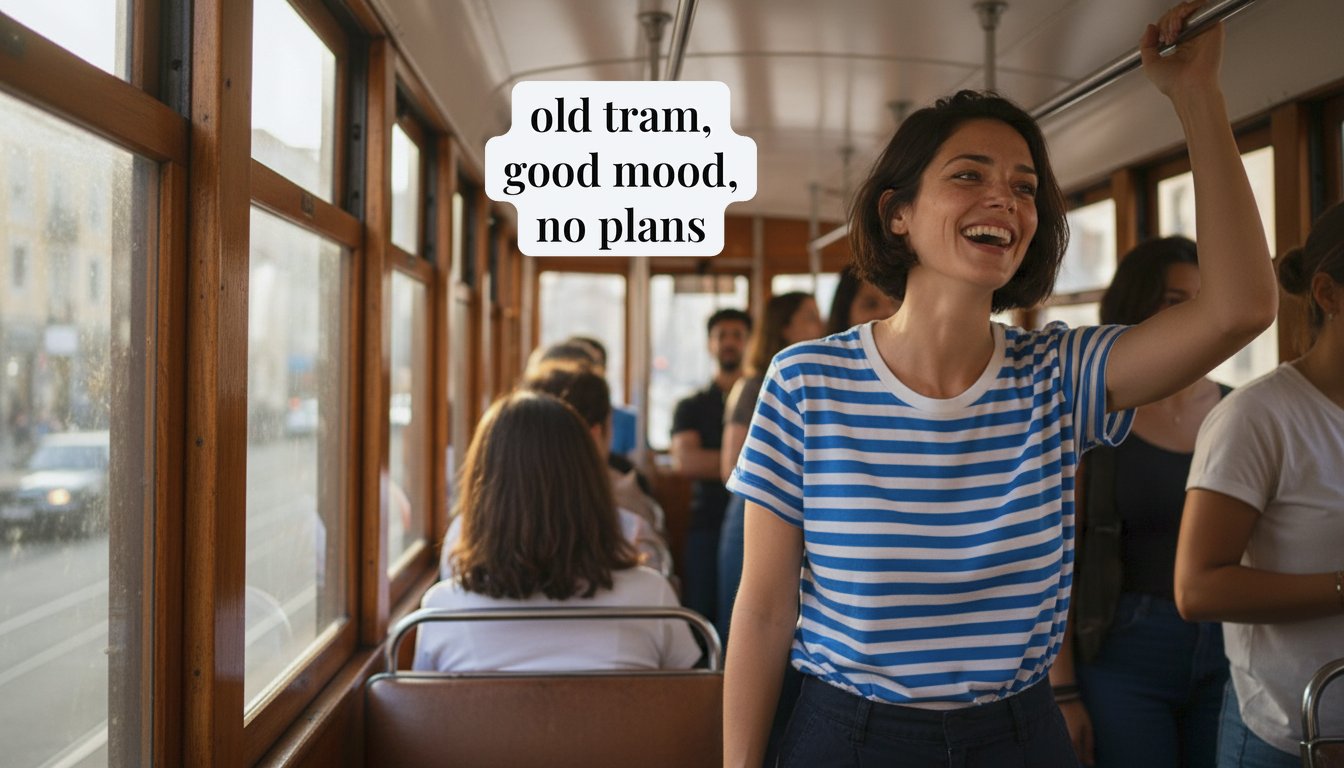

Drag to compare · Caption suggested by Threadwright and placed clear of her face.
VOICE, MUSIC & AMBIENCE
Write the words, generate a voice take, and layer music or ambience underneath. A story you can hear before you see.
“I’ve never been here. None of this happened…
And you still can’t tell.”
Generated voice with a souk ambience bed · 8 seconds
Press play · The voice and the market ambience were both generated with Threadwright.
VIDEO GENERATION & ASSEMBLY
One still frame becomes real footage: she walks and talks while the world moves behind her. Three places, one script, one face.
Press play · Each clip is one still frame turned into footage, lip-synced to a generated voice, with generated ambience. Trimmed and mixed for this page.
THE RIGHT TOOL. AT THE RIGHT MOMENT.
A compelling image starts with good direction. A finished piece comes from knowing what to refine, what to keep, and which tool to reach for next. That’s the thinking behind Threadwright.
Find your creative flow for freeOUR BILLING PROMISE
Short, plain, and only what the product does today. The legal text is in the Terms.
A FEW THINGS TO KNOW
Yes. The free plan makes your first reel with you in draft quality, and any paid plan can finish it in 1080p. Check the plans in the app for the tools and limits included, and upgrade when you need more.
No. Threadwright routes supported tasks to configured models and builds prompts around your character and scene. You choose the creative direction.
AI characters, photo posts, voice takes, talking clips, B-roll and assembled short vertical videos, with detail editing, color grading, text and captions.
Your first reel is free in draft quality, and any paid plan can finish it in 1080p. Choose a paid subscription or credit bundle when you need more. Check the current plans in the app. You can see an estimate before running a tool.
Yes, on a paid plan. Your AI agent can make reels and photo posts for you through the Threadwright API: characters, projects, voice takes, images and clips. A job costs the same credits over the API as in the app for the same tool, model and settings, from the same balance. Plans, billing, access tokens and account settings stay in the browser, as do the realism and grade suggestion helpers. The Free plan has no access tokens. See how it connects, the downloadable agent skill and the OpenAPI specification.
For a reel, choose a character and an idea in Idea Studio, review the script, generate the media, then build, review and download the final cut. For a photo post, plan the images, generate and choose them, then review and download. Make everything runs the steps that are left after you confirm one total price, and you can also run a step or a single item yourself.
EVERY STORY STARTS SOMEWHERE