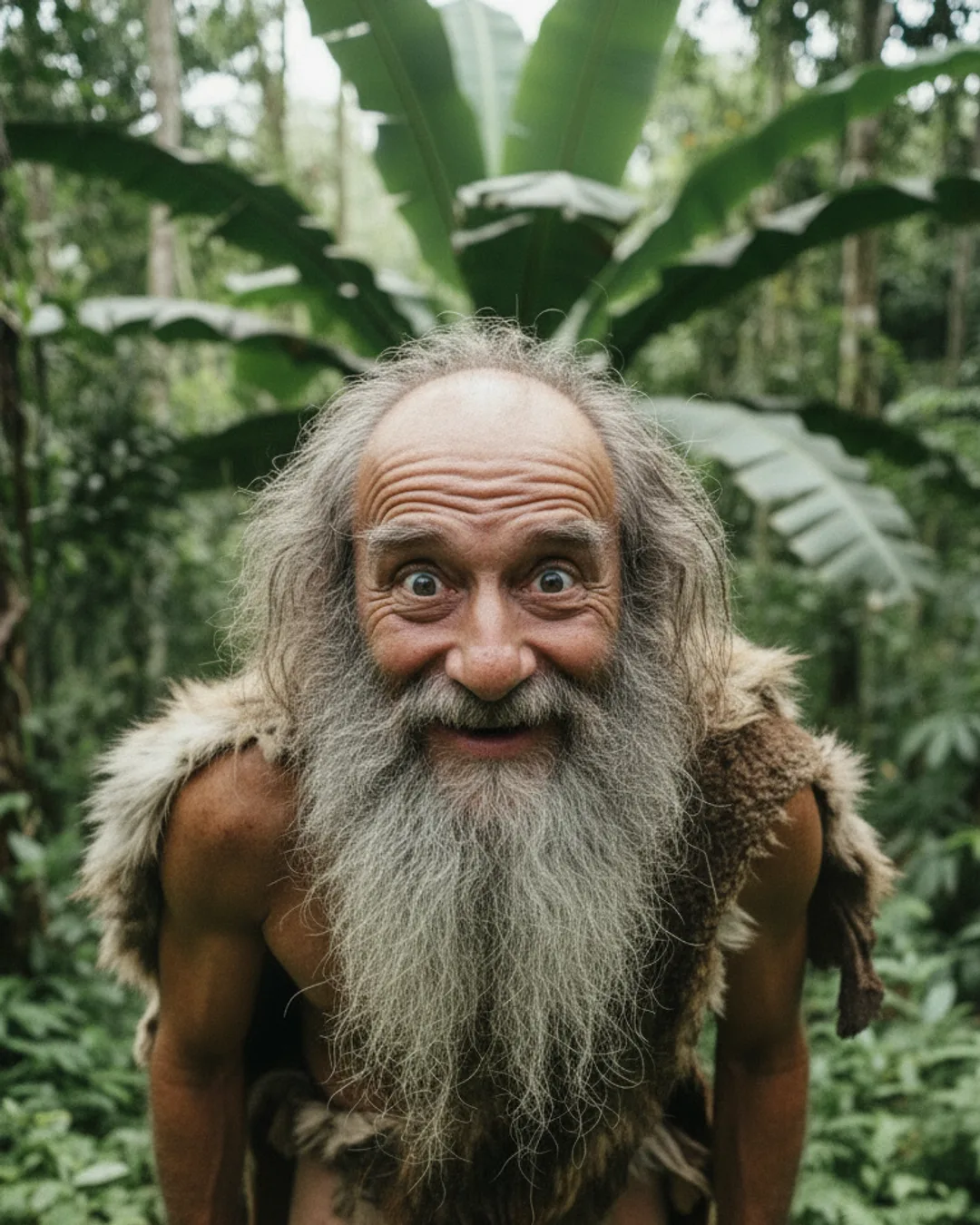
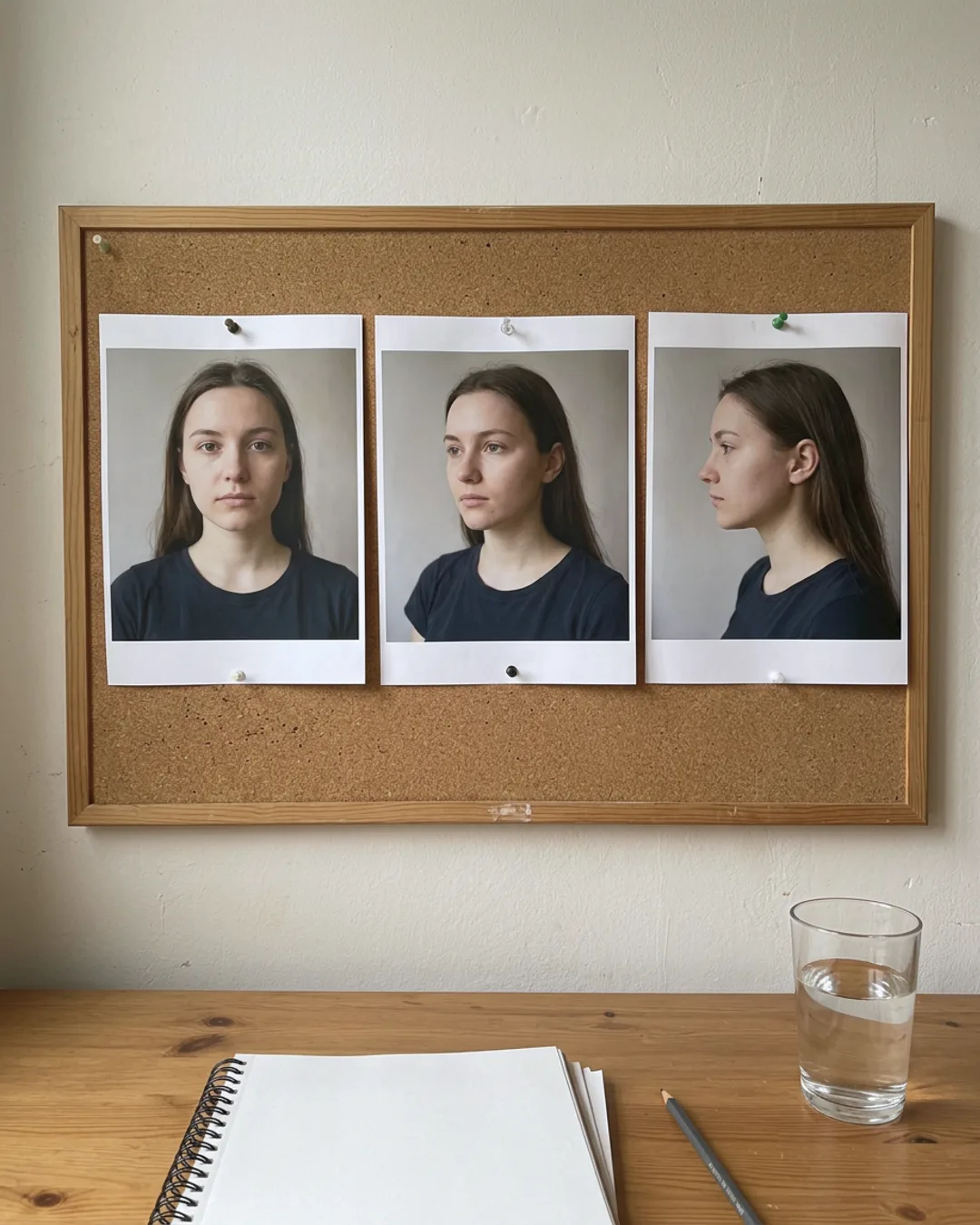
Threadwright is an AI character generator for creators who do not want to be on camera. Upload one photo or describe a person, a mascot or a pet, and the character becomes the reference for every image, voice take and clip you make after it.
Pick a creator. Idea Studio gives three ideas for their topic. Tap one for its script.
Three ideas for Marcus
The belief busterMuscle soreness means you're building muscle“Everyone says sore muscles mean you had a great workout. That's wrong.”
Stop doing thisStop going heavy on day one of the gym“Stop doing your first gym session at maximum weight, because your body is not ready for it yet.”
Numbered lessons3 mistakes I made my first month lifting before I got consistent“3 mistakes I learned before I got consistent at the gym, and number one cost me six weeks.”
With Threadwright: One character from one photo or a description.
Without: A new face every time you prompt.
With Threadwright: The character is the reference for every image and clip.
Without: A voice recorded again for every video.
With Threadwright: A voice picked once and used in every take.
From idea to final cut, one step at a time.
Threadwright is the only platform that takes you through the whole process step by step. Review, change or redo any step before the next one, or leave it all to run on its own.
Tata, a character from the Bobo series. Tata is fictional. Made with Threadwright.
How do I make an AI character from a photo?
Upload one photo of a fictional person, a mascot, a pet or an illustration, and Threadwright builds a character from it that the later tools use as the reference. You can also start from a written description and pick the look from the images that come back.
Use a photo you have the rights to. A picture of a real person who has not agreed is not a fictional character, and Instagram, TikTok and YouTube each have rules on realistic AI people.
What can I do with a character once I have one?
You can put the character in new scenes, give it a voice, and turn those scenes into talking clips and B-roll, so one character fills a whole feed. Reels come out 9:16, photo posts and carousels as stills.
The Idea Studio suggests what the character says next, so you are not starting from a blank page each day.
Do I have to label an AI character as AI-generated?
Often yes. Meta labels images it detects as AI-generated and asks creators to disclose realistic AI content, and YouTube asks creators to disclose realistic altered or synthetic media when they upload.
Rules differ by platform and change, so read the two pages linked below before you post a character that looks like a real person.
When the trial ends you have no plan, and nothing is charged unless you choose one.
Before you begin.
Can I make an AI character without a photo?+
Yes. Describe the person, mascot or pet in words and Threadwright makes character images you can pick from. Once you choose one, it is the reference for the rest of the account.
Does the character stay the same after I make it?+
Yes. Every scene image, voice take and clip for that character starts from the saved reference, so the face and the voice carry from post to post.
Do I need to know which AI model to use?+
No. Threadwright picks the tools for each step and builds the prompts around your character and scene. You bring the idea and the taste.
Can my own assistant use Threadwright?+
Yes. Your assistant can do what the browser does over the API, at the same credit cost. Agent access needs a plan, and the trial counts.