Threadwright generates the voiceover for your reel. Paste or write the script, pick a voice for the character, hear the take, and layer music and ambience underneath. The same voice then speaks in the talking clips, so the reel sounds like one person.
Pick a creator. Idea Studio gives three ideas for their topic. Tap one for its script.
Three ideas for Marcus
The belief busterMuscle soreness means you're building muscle“Everyone says sore muscles mean you had a great workout. That's wrong.”
Stop doing thisStop going heavy on day one of the gym“Stop doing your first gym session at maximum weight, because your body is not ready for it yet.”
Numbered lessons3 mistakes I made my first month lifting before I got consistent“3 mistakes I learned before I got consistent at the gym, and number one cost me six weeks.”
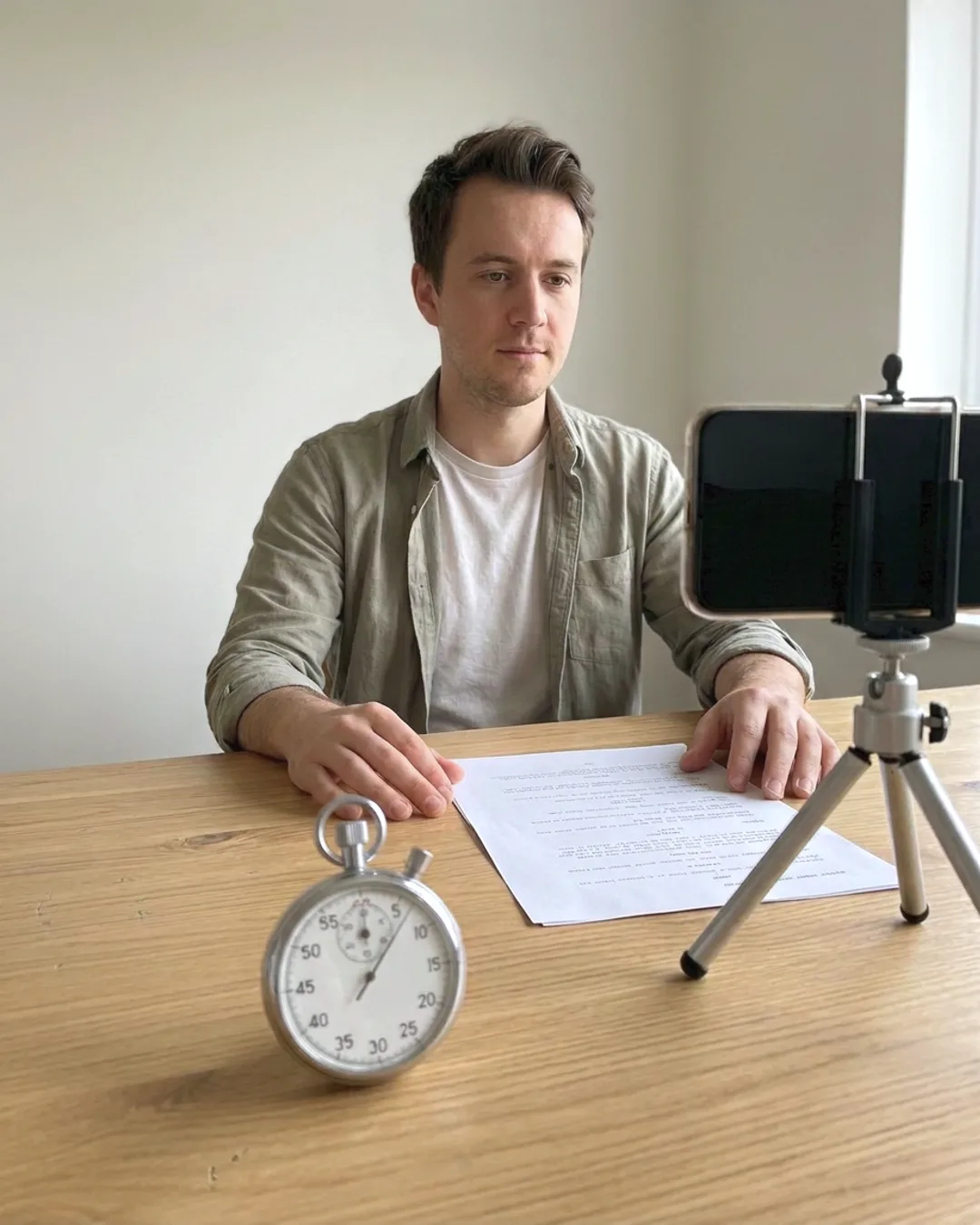
With Threadwright: Type the script and hear the take.
Without: A different voice every time.
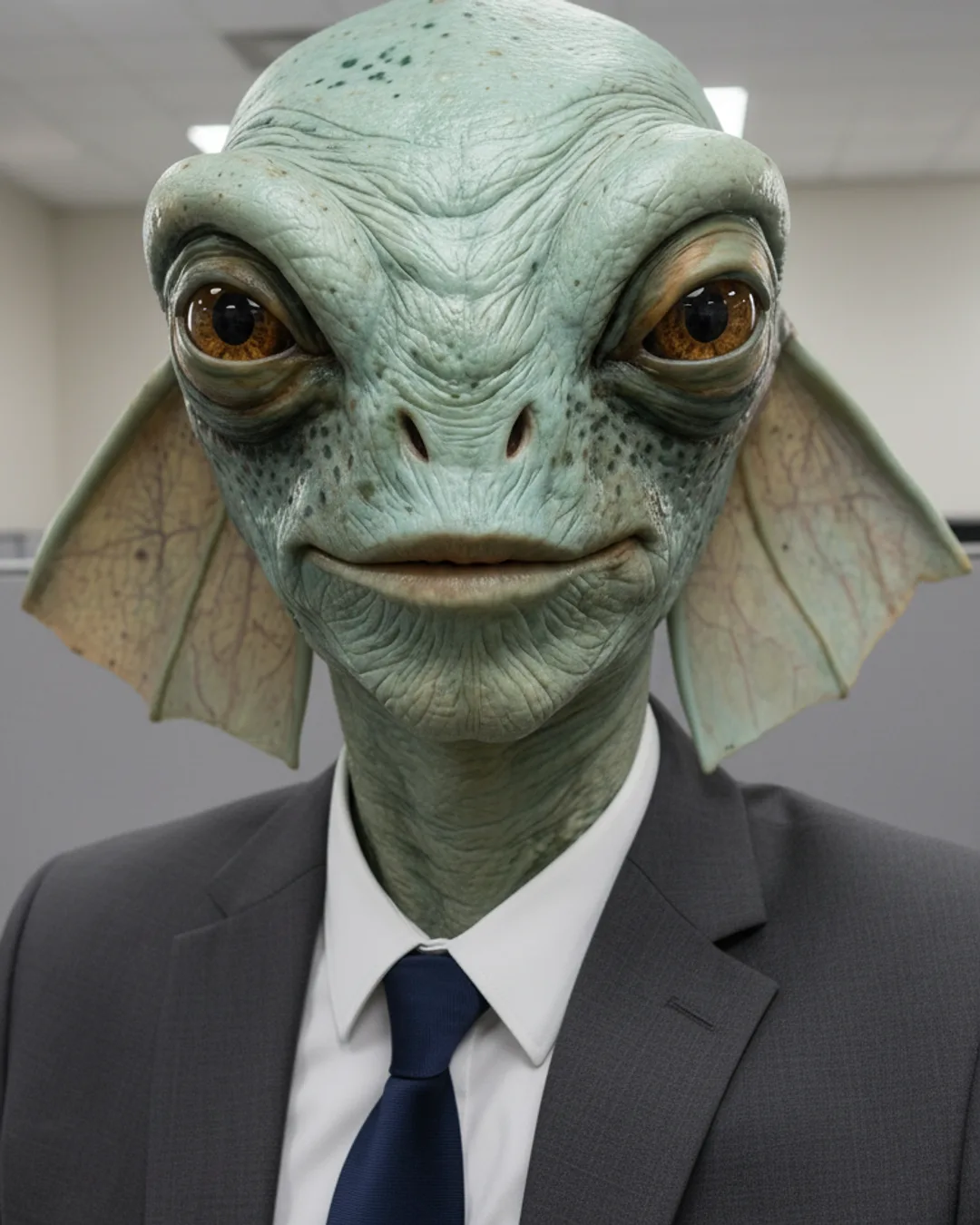
With Threadwright: One voice for the character.
Without: Music and ambience from another site.
With Threadwright: Music and ambience mixed under the voice.
From idea to final cut, one step at a time.
Threadwright is the only platform that takes you through the whole process step by step. Review, change or redo any step before the next one, or leave it all to run on its own.
Write the script, choose a voice for your character from the ones offered, and generate a voice take, which you listen to before using. If the pacing is off, change the words and make a new take.
The take can narrate B-roll or drive a talking clip of the character, whichever the shot needs.
Can I add music and background sound?
Yes. Threadwright generates music and ambience beds, such as a market, a street or a quiet room, and mixes them under the voice. Set the bed's level so the words stay clear.
Use generated music, not a chart track: YouTube can claim or block videos that use music you do not have the rights to.
Should I tell viewers the voice is AI?
Often yes. YouTube asks for disclosure of realistic synthetic audio, and TikTok and Meta ask for labels on realistic AI-generated content.
A stylised character with an obviously synthetic voice carries less risk than a voice that sounds like a real, named person, which you should never imitate.
When the trial ends you have no plan, and nothing is charged unless you choose one.
Before you begin.
Can I clone my own voice?+
Threadwright offers a set of voices to pick for your character. Check the application for the voices currently available.
Does the voiceover work in other languages?+
Write the script in the language you want, and listen to the voice take for pronunciation before you use it. Threadwright does not translate or dub existing videos.
Do I need to know which AI model to use?+
No. Threadwright picks the tools for each step and builds the prompts around your character and scene. You bring the idea and the taste.
Can my own assistant use Threadwright?+
Yes. Your assistant can do what the browser does over the API, at the same credit cost. Agent access needs a plan, and the trial counts.