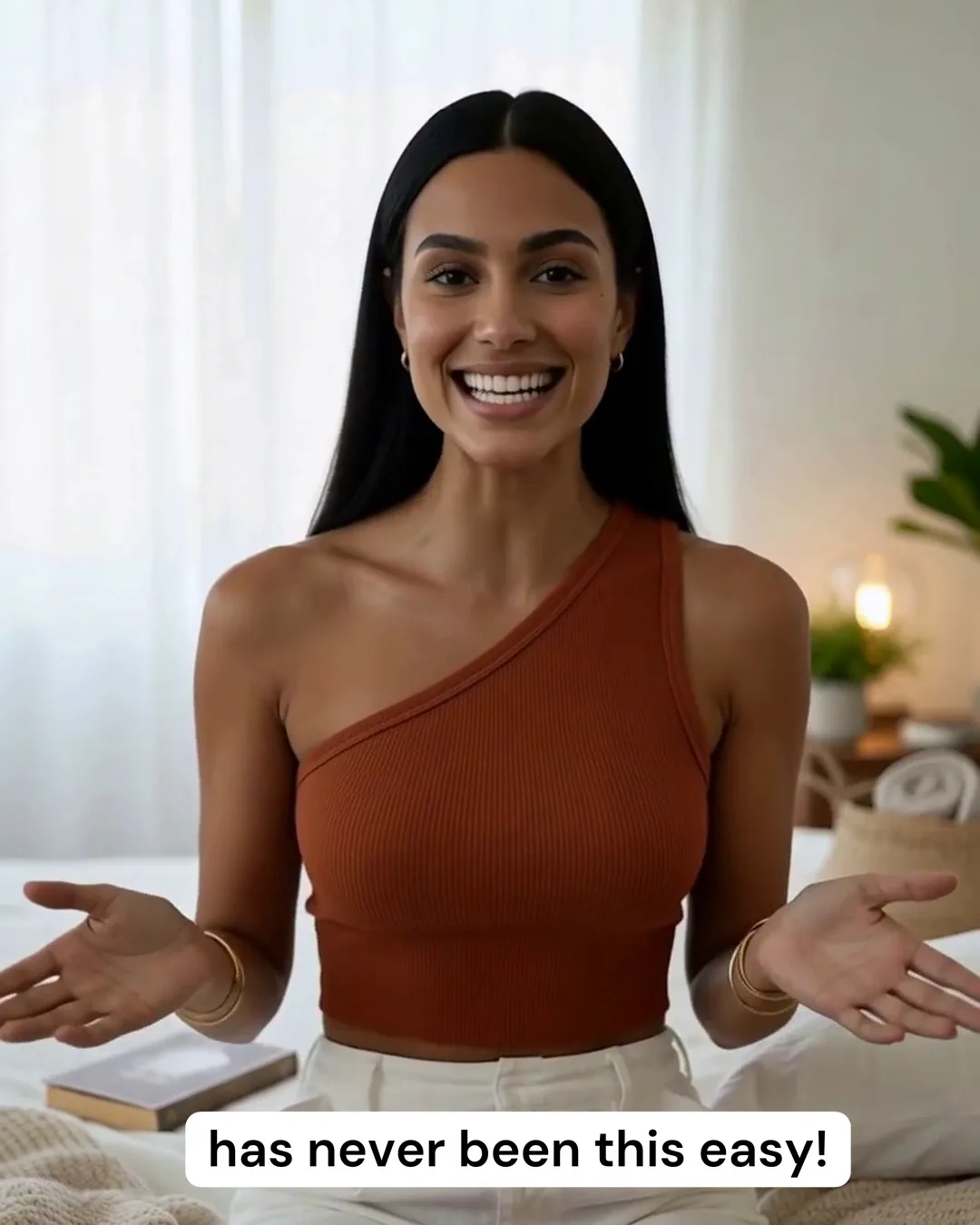
Threadwright makes a talking AI avatar out of any character image. Write the line, pick a voice, and the character speaks it in a scene of your choice, as a vertical clip you put into a reel. The avatar can be a person, a mascot or a pet.
Pick a creator. Idea Studio gives three ideas for their topic. Tap one for its script.
Three ideas for Marcus
The belief busterMuscle soreness means you're building muscle“Everyone says sore muscles mean you had a great workout. That's wrong.”
Stop doing thisStop going heavy on day one of the gym“Stop doing your first gym session at maximum weight, because your body is not ready for it yet.”
Numbered lessons3 mistakes I made my first month lifting before I got consistent“3 mistakes I learned before I got consistent at the gym, and number one cost me six weeks.”
With Threadwright: Write the line; the character says it.
Without: A still picture over a voice.
With Threadwright: A mouth synced to the voice take.
Without: A new avatar for each video.
With Threadwright: A person, a mascot or a pet, kept the same.
From idea to final cut, one step at a time.
Threadwright is the only platform that takes you through the whole process step by step. Review, change or redo any step before the next one, or leave it all to run on its own.
Noa, a fictional AI character, speaking to camera in a Threadwright ad. Made with Threadwright. Follow @noa.brights on Instagram
What is a talking AI avatar?
A talking AI avatar is a character image that speaks a recorded or generated line with matching mouth movement. In Threadwright it is a clip: the character's face, a voice take and a scene, with the mouth synced to the words.
Unlike a template presenter, the avatar is your own character and the scene is made for it.
How long can an avatar talk for in one clip?
A talking clip is priced by the second, and the credit price shows before every run. Write each line as a full sentence or two, and string several clips together for a longer reel.
A failed run costs nothing, so a clip that does not come out is not paid for.
Does the avatar need to look like a real person?
No. Characters can be stylised, a mascot or an animal. A realistic avatar of a person who exists needs that person's agreement, and the platforms ask you to label realistic AI-generated people.
When the trial ends you have no plan, and nothing is charged unless you choose one.
Before you begin.
Can the avatar move, or only its face?+
Threadwright routes talking clips to a model that suits the shot, including ones where the character and the camera move. Describe the movement you want, and review the clip before it joins the reel.
How is this different from HeyGen or Synthesia?+
HeyGen and Synthesia start from a presenter and a script for a talking-head video. Threadwright starts from your own character and makes reels with scenes and B-roll around the talking clips; the HeyGen comparison has the details.
Do I need to know which AI model to use?+
No. Threadwright picks the tools for each step and builds the prompts around your character and scene. You bring the idea and the taste.
Can my own assistant use Threadwright?+
Yes. Your assistant can do what the browser does over the API, at the same credit cost. Agent access needs a plan, and the trial counts.