COMPARED · CHECKED 2 NOVEMBER 2026
Threadwright, compared.
One page for each tool and way of working that solo creators and small studios weigh against Threadwright: what it starts from, what it costs on the date checked, what it does better, and what Threadwright does differently. Facts about other tools come from their own public pages, linked on each page.
The short version: Submagic and OpusClip edit footage you already have. HeyGen and Synthesia put a presenter avatar on camera for business. Pika is a toolbox of models. Canva lays out designs. Threadwright makes one fictional character from a photo and builds the reel around it, for a creator who does not want to be on camera.
Which tools is Threadwright compared with?
Threadwright has a comparison page for each of 8 options: Submagic, HeyGen, OpusClip, Pika, Synthesia, Canva, filming it yourself and hiring a freelancer.
- Threadwright vs SubmagicSubmagic edits footage you already have; Threadwright makes the footage from one character photo.
- Threadwright vs HeyGenHeyGen puts a presenter avatar on camera for business video; Threadwright runs a fictional character's feed.
- Threadwright vs OpusClipOpusClip cuts long videos you already have into clips; Threadwright generates the clips from a character.
- Threadwright vs PikaPika is a toolbox of AI studios and models; Threadwright is one guided path from a character to a reel.
- Threadwright vs SynthesiaSynthesia is an avatar video platform for business teams; Threadwright is a character studio for solo creators and small studios.
- Threadwright vs CanvaCanva lays out designs with templates and AI helpers; Threadwright generates a character and the reel itself.
- Threadwright vs filming it yourselfFilming yourself is free and real; Threadwright puts a character in your place and in scenes you cannot film.
- Threadwright vs hiring a freelancerA freelancer brings judgment and makes it for you; Threadwright gives you a studio and a character you keep.
From idea to final cut, one step at a time.
Threadwright takes you through the whole process step by step: the idea, a viral format, the script, then the clips, the voice, ambience and music, and the final cut. Review, change or redo any step before the next one, or leave it all to run on its own.
How do the tools differ at a glance?
The tools differ most in what each one starts from, the entry price, the free offer and whether the tool publishes for you. Each comparison page has the full table, with sources.


| Tool | Starts from | Entry price | Free offer | Publishing |
|---|---|---|---|---|
| Threadwright | A description or one photo of a character, and an idea. No footage needed. | Starter $15 a month: 1,500 credits, about 34 talking clips or 100 scene clips of 5 seconds; 15% off billed yearly. | Starter free for 14 days, with 350 credits and no card. When the trial ends nothing is charged. | None. You download the cut with a caption, a cover and hashtags, and post it yourself. |
| Submagic | A video you upload or a YouTube link: podcasts, YouTube videos and phone footage. | Starter $19 a month, or $12 a month billed yearly: 45 credits (15 videos), videos up to 2 minutes, 1 user. | “Try for free” with “No credit card required”; the pricing page states no free tier and no trial length. | Submagic publishes from the editor on the date and to the platforms you pick. |
| HeyGen | A script, read by an avatar of you (filmed or from a photo) or a stock presenter. | Creator $29 a month ($24 a month billed yearly): 600 credits, videos up to 30 minutes, 1 seat. | Free plan, no card: 3 videos a month, watermarked, up to 1 minute each. | “Share-ready” exports; no scheduling to platforms is stated on the pages checked. |
| OpusClip | A long video: a link (YouTube, Zoom, Twitch, Riverside and more) or an upload. | Starter $15 a month, Pro $29 a month; the page shows no yearly prices. | Free plan: “Post one clip every day for free”; watermarked caption templates, exports and storage for 3 days. | Publishes to all social platforms in one click; Pro adds a Scheduler API. |
| Pika | A prompt, an image or a video, in the studio you pick. | Starter $10 a month ($8 a month billed yearly): 900 credits. | Free plan: 0 monthly credits, top-up packs only ($1 for 60 credits), no commercial licence. | None stated on the pages checked. |
| Synthesia | A prompt, document, PowerPoint or link, read by a stock or custom avatar. | Starter $19 a month ($14 a month billed yearly): 1,250 credits, about 12 minutes of video a month on top of the free allowance, 1 editor and 3 guests. | Basic, $0: 10 minutes of video a month, watermarked, 1 editor. | Share link, embed or SCORM; no scheduling to social platforms is stated. |
| Canva | A template or a blank design; AI tools add images, text and short clips. | Free, then Pro at 110 kr a month for one person and Business at 160 kr a month per person, as shown to a visitor in Norway. Canva prices by country. | Canva Free, no card: 1,000+ design types, 1.6M+ templates, 1 Brand Kit, 5 GB of storage, limited AI. | Social content scheduling on Pro and above. |
| Filming it yourself | You, a phone, a place and a free hour. | Free, apart from the phone you own and the hours it takes. | All of it. | You post from the apps yourself. Filmed footage of you needs none of the AI labels that TikTok, YouTube and Meta ask for on realistic AI video. |
| Hiring a freelancer | A brief and a budget, often your own footage. | Set by the freelancer and the scope; it varies too much by market to put a number here. | None; some offer a paid test piece. | Some freelancers manage the account; agree that in the brief. |
Machine-readable: /vs/comparisons.json holds every comparison page's facts, each with its source.
Where do the facts about other tools come from?
The facts about other tools come from each tool's own public pages and help centres, read on the date shown. Canva's user count is the one figure taken second-hand, from Wikipedia citing TechCrunch:
- Submagic homepage, for Threadwright vs Submagic, read 1 November 2026.
- Submagic pricing, for Threadwright vs Submagic, read 1 November 2026.
- HeyGen homepage, for Threadwright vs HeyGen, read 1 November 2026.
- HeyGen pricing, for Threadwright vs HeyGen, read 1 November 2026.
- OpusClip homepage, for Threadwright vs OpusClip, read 1 November 2026.
- OpusClip pricing, for Threadwright vs OpusClip, read 1 November 2026.
- Pika homepage, for Threadwright vs Pika, read 1 November 2026.
- Pika pricing, for Threadwright vs Pika, read 1 November 2026.
- Synthesia homepage, for Threadwright vs Synthesia, read 1 November 2026.
- Synthesia pricing, for Threadwright vs Synthesia, read 1 November 2026.
- Canva pricing (read in a browser from Norway; the page refuses automated reading), for Threadwright vs Canva, read 2 November 2026.
- Canva on Wikipedia (monthly active users, citing TechCrunch, 18 February 2026), for Threadwright vs Canva, read 2 November 2026.
- CapCut, a free video editor, for Threadwright vs filming it yourself, read 1 November 2026.
- iMovie, Apple's free video editor, for Threadwright vs filming it yourself, read 1 November 2026.
- TikTok: AI-generated content and labelling, for Threadwright vs filming it yourself, read 1 November 2026.
- YouTube Help: disclosing AI-generated or altered content, for Threadwright vs filming it yourself, read 1 November 2026.
- Meta: labelling AI-generated images and video on Facebook, Instagram and Threads, for Threadwright vs filming it yourself, read 1 November 2026.
- Fiverr Help Center: how Fiverr works for clients, for Threadwright vs hiring a freelancer, read 1 November 2026.
- Upwork Help: deciding between an hourly and a fixed-price contract, for Threadwright vs hiring a freelancer, read 1 November 2026.
FREE TOOLS
What can I try for free?
You can try 11 free tools, and 7 of them need no login; the other 4 need a free Threadwright account without a plan, and each has a daily limit. Each tool has its own page that says what it does and how it works.
 No login
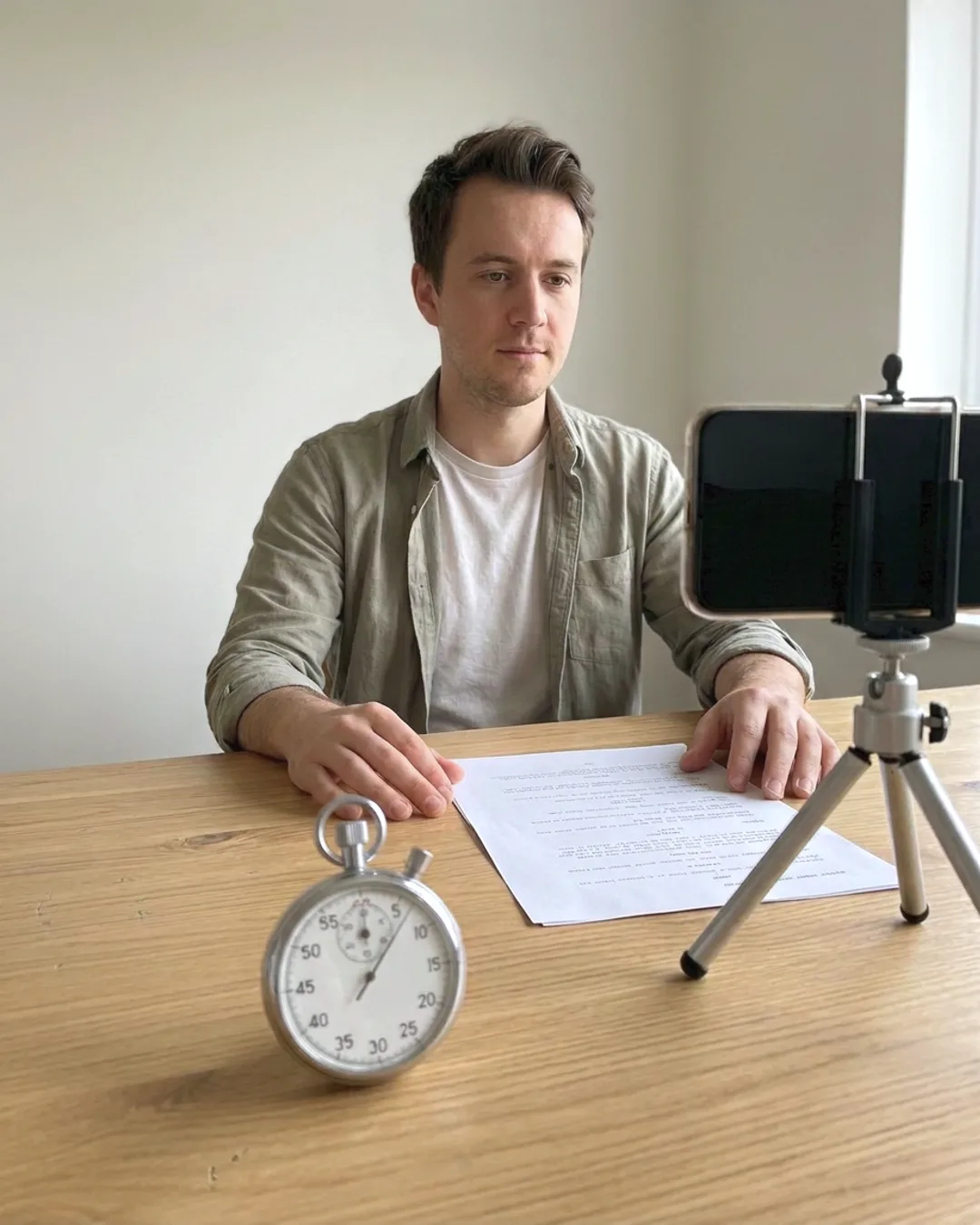
Safe zone checker
See where each platform's buttons and captions cover a 9:16 frame.
 No login
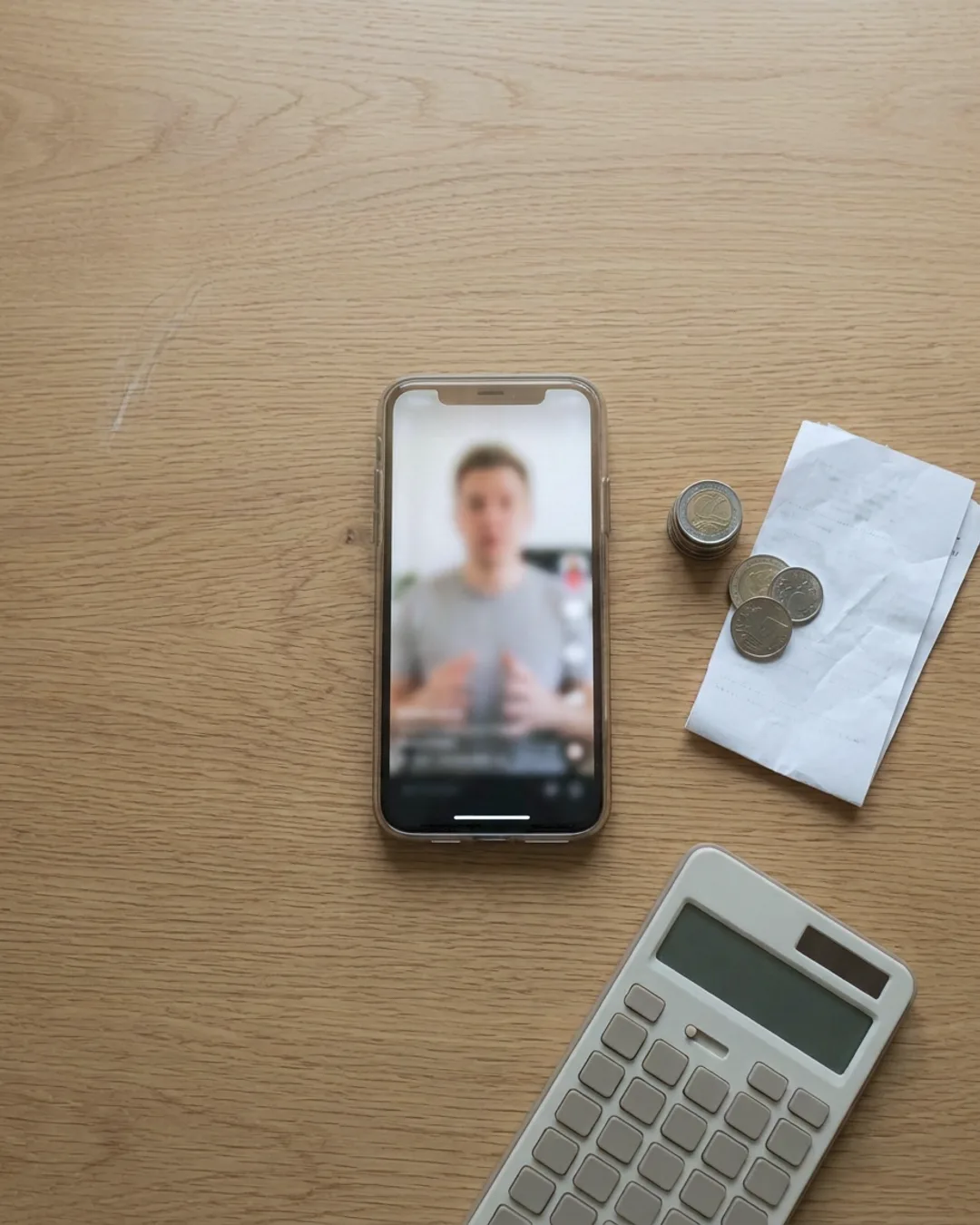
Video script analyzer
Time a script, mark its 3-second hook and get plain tips, with a free AI hook review.
 No login
Reel cost calculator
The monthly cost of a finished reel workflow, tool by tool.
 No login
Reel hook generator
Ten opening lines for a reel from your niche and topic.
 No login
Caption generator
A caption and a set of hashtags from a short description.
 No login
Name and bio generator
Eight account names with handles and short bios.
 No login
Character generator
A name, backstory, look and voice from one sentence.
 Free account
Viral idea finder
Reel formats and ideas for your niche, free with an account.
 Free account
Text on image
Add Instagram-style text to a photo, free with an account.
 Free account
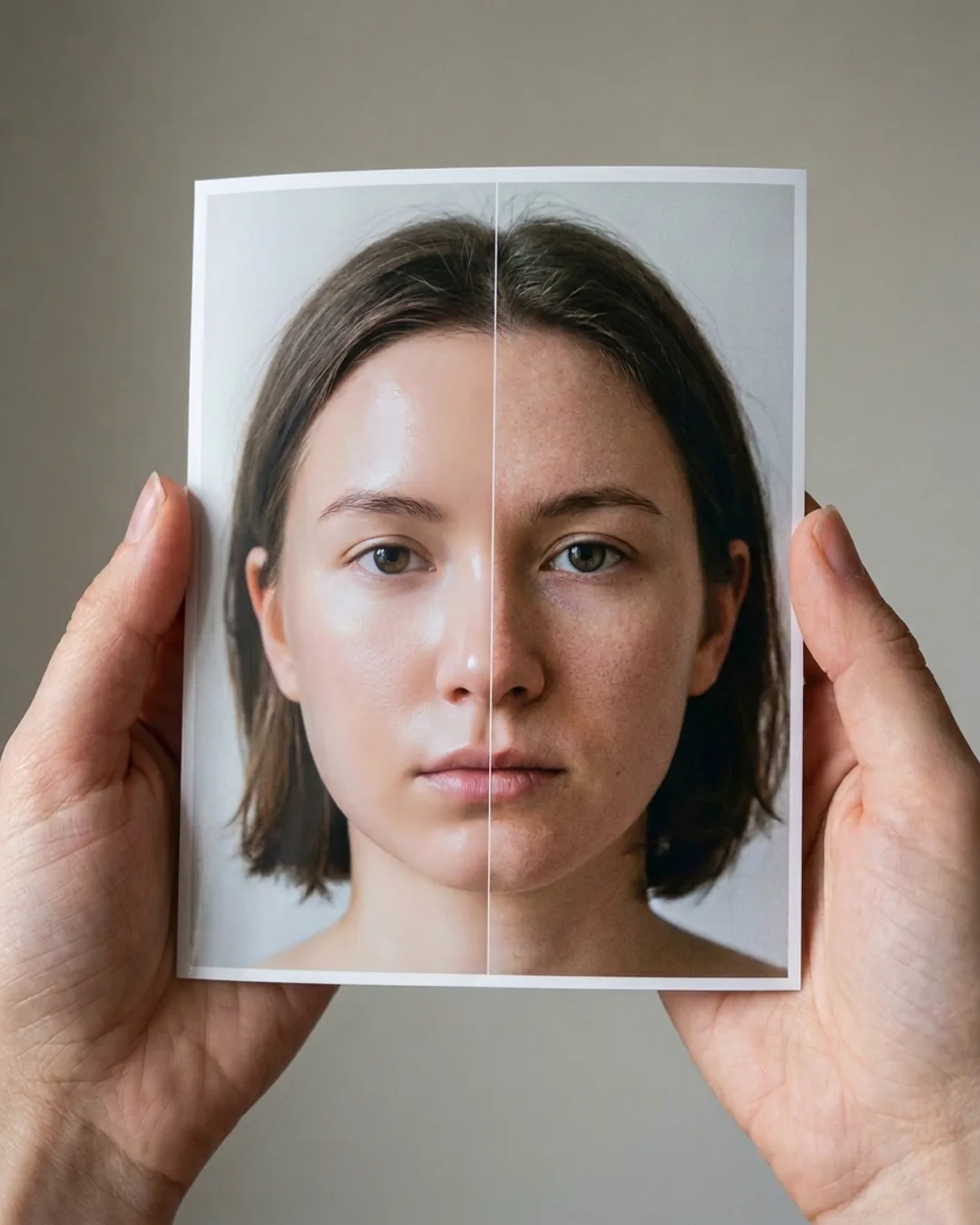
Remove the AI look
An automatic colour grade that undoes the look people call AI slop.
 Free account
Auto captions
Captions for a clip of up to 30 seconds, free with an account.
THE FREE TRIAL
Try Threadwright free for 14 days.
- 14 daysof Starter
- 350credits
- No cardneeded
- Nothingto cancel
When the trial ends you have no plan, and nothing is charged unless you choose one.
Facts about Submagic, HeyGen, OpusClip, Pika, Synthesia, Canva and the other options on these pages come from each one's public pages on the date shown, quoted or summarised, with the source under each table. Names and marks belong to their owners, and none of the companies named is affiliated with Threadwright. Prices change: theirs is the page that counts. Tell us at info@threadwright.ai if something here is out of date and we will fix it.