TEXT ON IMAGE

Put text on a photo the way Instagram does.

Upload a photo, type the words and pick a style. The tool places the text the way Instagram's own text does and keeps it clear of the subject. It runs inside Threadwright, free with an account and no plan, with a daily limit.

HOW IT WORKS

  1. Sign in to Threadwright with a free account. No plan or card is needed.
  2. Upload a photo and type the words.
  3. Pick a style, check the placement and download the image.
Run it free in Threadwright

Free for any signed-in account, with a daily limit. It works the same with no plan, on the trial and on any paid plan. Signing up also starts the free trial, with no card.

Make the whole reel with your character in Threadwright

Putting text on a picture is the Final cut step of the 7 steps from idea to final cut. The free trial does every step, with 350 credits and no card needed.

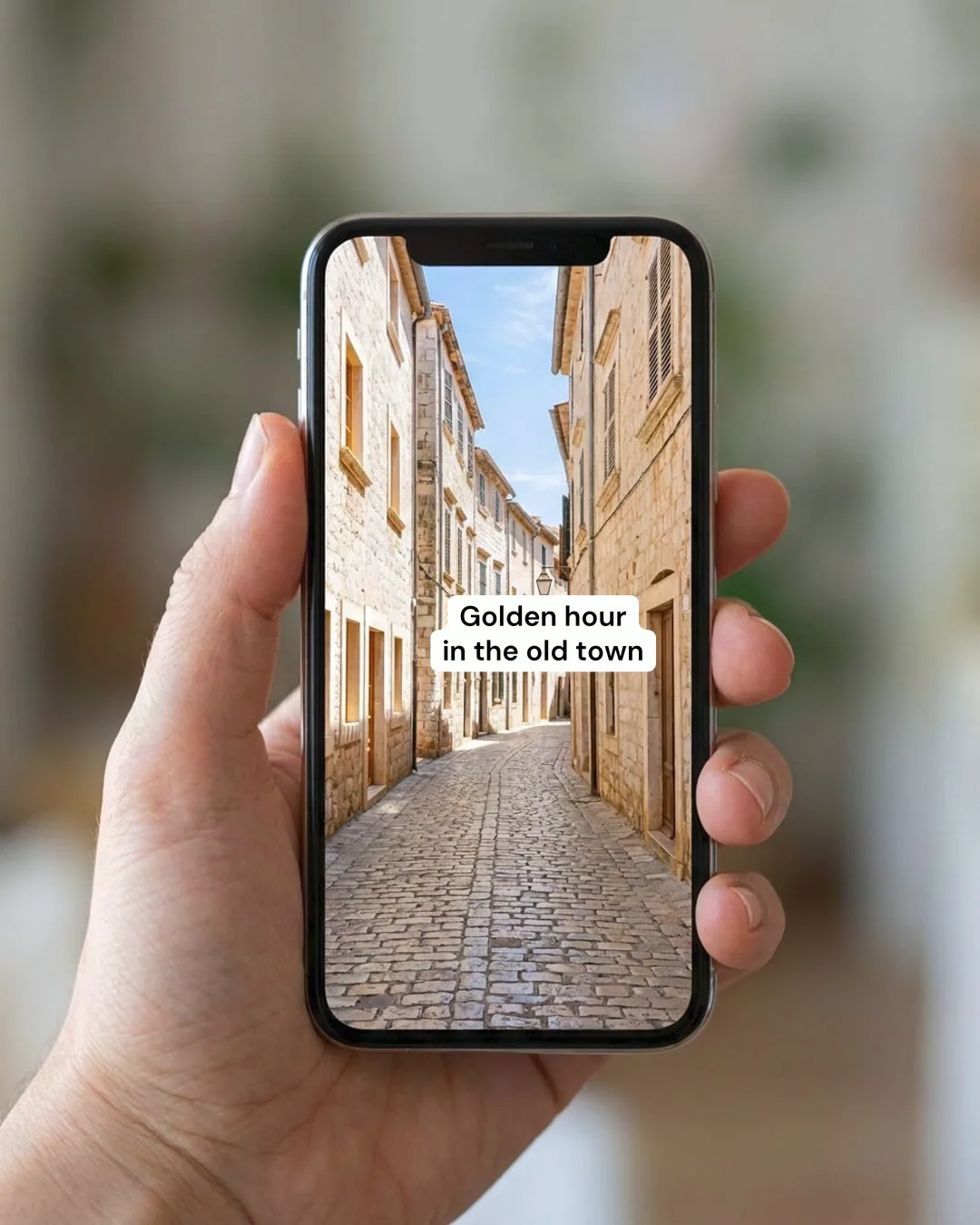
A hand holding a phone that shows a vertical photo of a sunny cobbled street with a white Instagram-style label reading Golden hour in the old town.
The label was added with Threadwright's text tool, the one this free tool runs. Made with Threadwright.

How do you put text on an image for Instagram?

Pick a clean font at a large size in a colour that contrasts with the photo, and keep the text short. Meta's help page lists the same rules for ad text: a modern, clean font in a large enough size and a contrasting hue, without obstructing the visuals.

Where should the text sit?

Text sits inside the safe zone, away from the edges where buttons and names cover a post. TikTok's guide says to keep text and captions in safe zones so buttons do not block them. Check a frame with the safe zone checker before you post.

Do I need a plan to use it?

The text tool needs no plan: it is free for any signed-in Threadwright account, with a small daily limit, and needs no trial either.

Sources

  1. Meta: text overlays and the safe zone for ads
  2. TikTok for Business: video advertising guide

Questions about the text on image, instagram style.

Does the text avoid the character in the photo?

The tool is built to place text clear of the subject, and you see the result before you download it. If a placement is wrong, change the style or the words and run it again.

Is it free?

Yes, with an account and a daily limit. No plan, trial or card is needed.

THE FREE TRIAL

Try Threadwright free for 14 days.

  • 14 daysof Starter
  • 350credits
  • No cardneeded
  • Nothingto cancel
Try for freeFree · No card needed

When the trial ends you have no plan, and nothing is charged unless you choose one.