How do captions get added to a clip?
The tool transcribes the speech in your clip and returns it as captions. Clips can be up to 30 seconds long, which covers most reels, and you check the text before you use it.
AUTO CAPTIONS
Upload a clip of up to 30 seconds. The tool listens to the speech and writes it out as captions for the clip. It runs inside Threadwright, free with an account and no plan, with a daily limit. Sign in to run it.
Captioning a clip is the Final cut step of the 7 steps from idea to final cut. The free trial does every step, with 350 credits and no card needed.
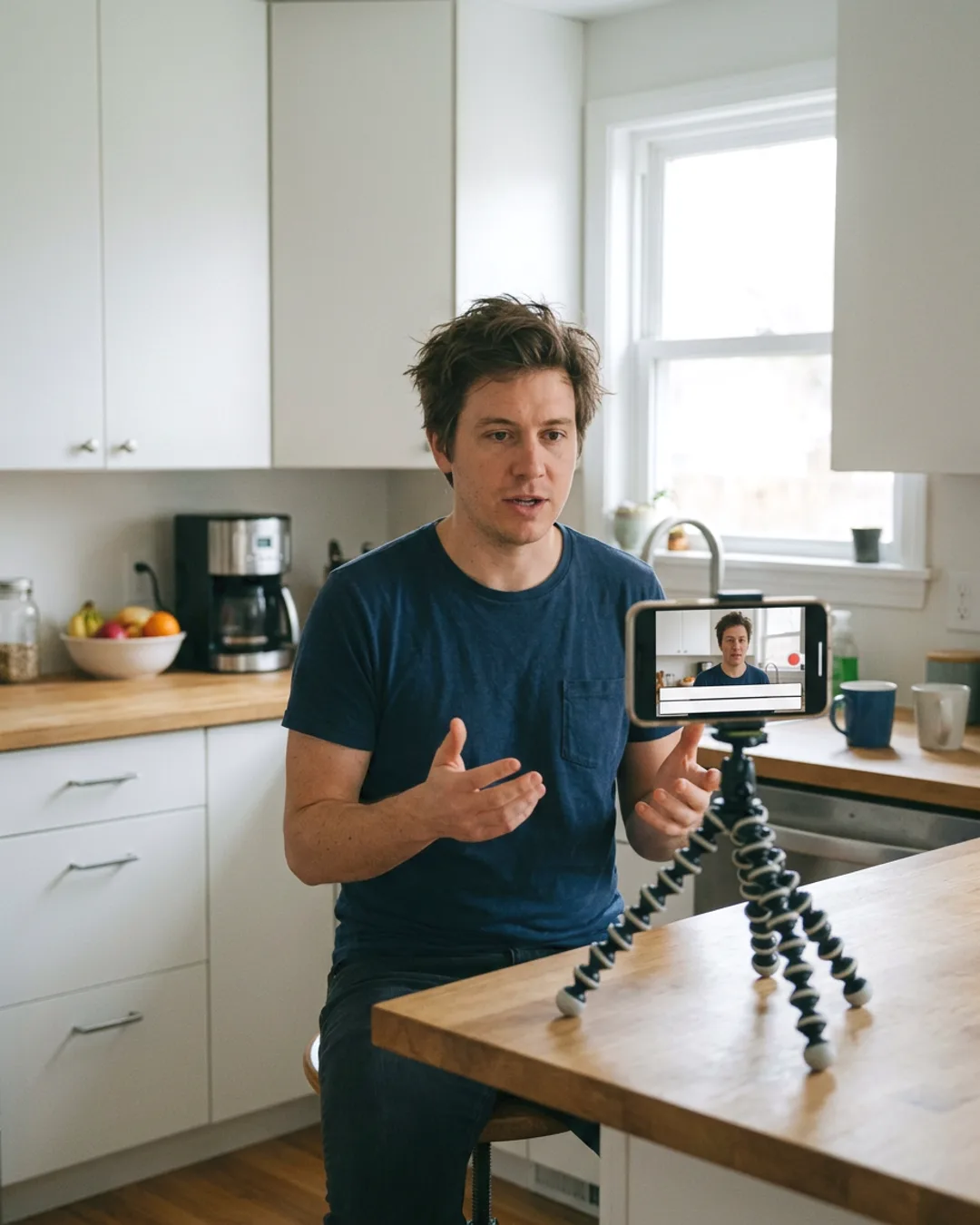
The tool transcribes the speech in your clip and returns it as captions. Clips can be up to 30 seconds long, which covers most reels, and you check the text before you use it.
Captions keep a reel clear when the sound is off and when a word is hard to hear. TikTok's advertiser guide says to use captions for clarity and notes that quick demos with captions often outperform talking-head promos.
YouTube does: it uses speech recognition to create automatic captions and publishes them on the video, in the video's default language. Other platforms differ, and automatic captions can miss names, so a checked caption file is safer. See auto captions for reels for how Threadwright burns them into a cut.
Sources
Yes, with an account and a daily limit. No plan, trial or card is needed.
Up to 30 seconds. For a longer reel, make the whole cut in Threadwright, where the captions are part of it.
THE FREE TRIAL
When the trial ends you have no plan, and nothing is charged unless you choose one.