Threadwright makes a talking pet from a photo of a dog, cat or other animal: you write the line, pick a voice, and render a 9:16 clip with captions. The result is a generated character that looks like your pet.
Pick a creator. Idea Studio gives three ideas for their topic. Tap one for its script.
Three ideas for Marcus
The belief busterMuscle soreness means you're building muscle“Everyone says sore muscles mean you had a great workout. That's wrong.”
Stop doing thisStop going heavy on day one of the gym“Stop doing your first gym session at maximum weight, because your body is not ready for it yet.”
Numbered lessons3 mistakes I made my first month lifting before I got consistent“3 mistakes I learned before I got consistent at the gym, and number one cost me six weeks.”
With Threadwright: One photo becomes the character.
Without: A mouth that does not match.
With Threadwright: A mouth synced to the line you write.
Without: A pet with nothing to say.
With Threadwright: A voice for the pet, and a series with a running joke.
From idea to final cut, one step at a time.
Threadwright is the only platform that takes you through the whole process step by step. Review, change or redo any step before the next one, or leave it all to run on its own.
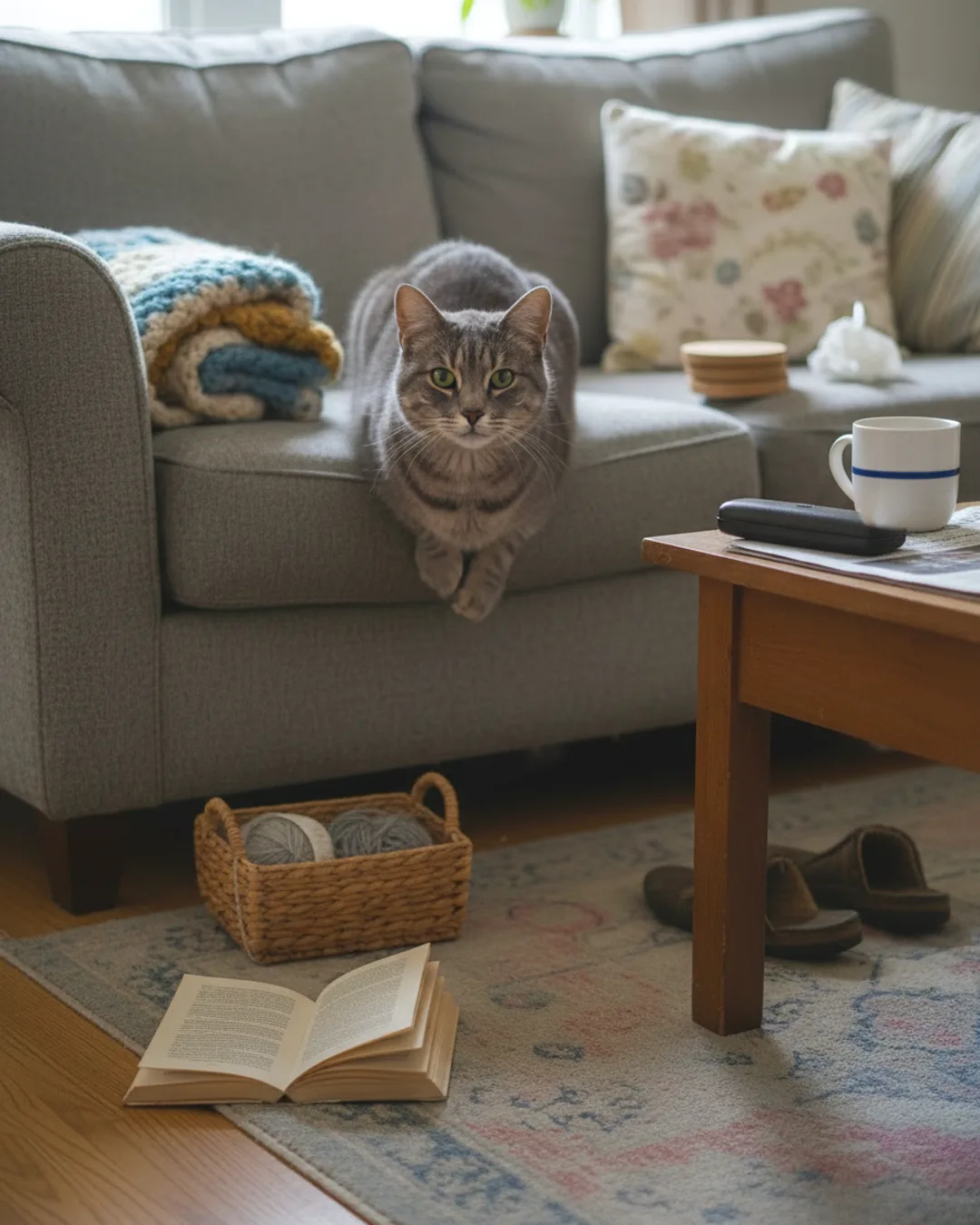
A grey tabby cat on a sofa, generated for this page. Made with Threadwright.
How do you make a pet talk in a video?
Make a pet talk in five steps: upload one photo as the character, write a line, generate a voice take, render the talking clip and assemble it with captions. Threadwright shows each step's credit price before it runs.
Short, funny lines of one or two sentences work best, and the pet's voice stays the same in every video.
What do pet owners post?
Pet owners post what the dog says about dinner, what the cat thinks of the vet, a morning routine told by the pet and a series with a recurring joke. Photo posts of the pet in a new setting use the same character.
The generated pet is not your real pet. Do not use it to imply a real animal's health or behaviour.
Should I label a talking pet video as AI?
Yes where the platform asks. YouTube and TikTok have disclosure settings for realistic synthetic content, and a talking animal is obviously made up, but the label avoids doubt.
If you promote a pet product, the FTC Endorsement Guides require a disclosure of the material connection.